
Sticker studio
One logo. A whole lot of personality.
Try a sticker bomb before you commit to a product—and know what your mockup can tell you.
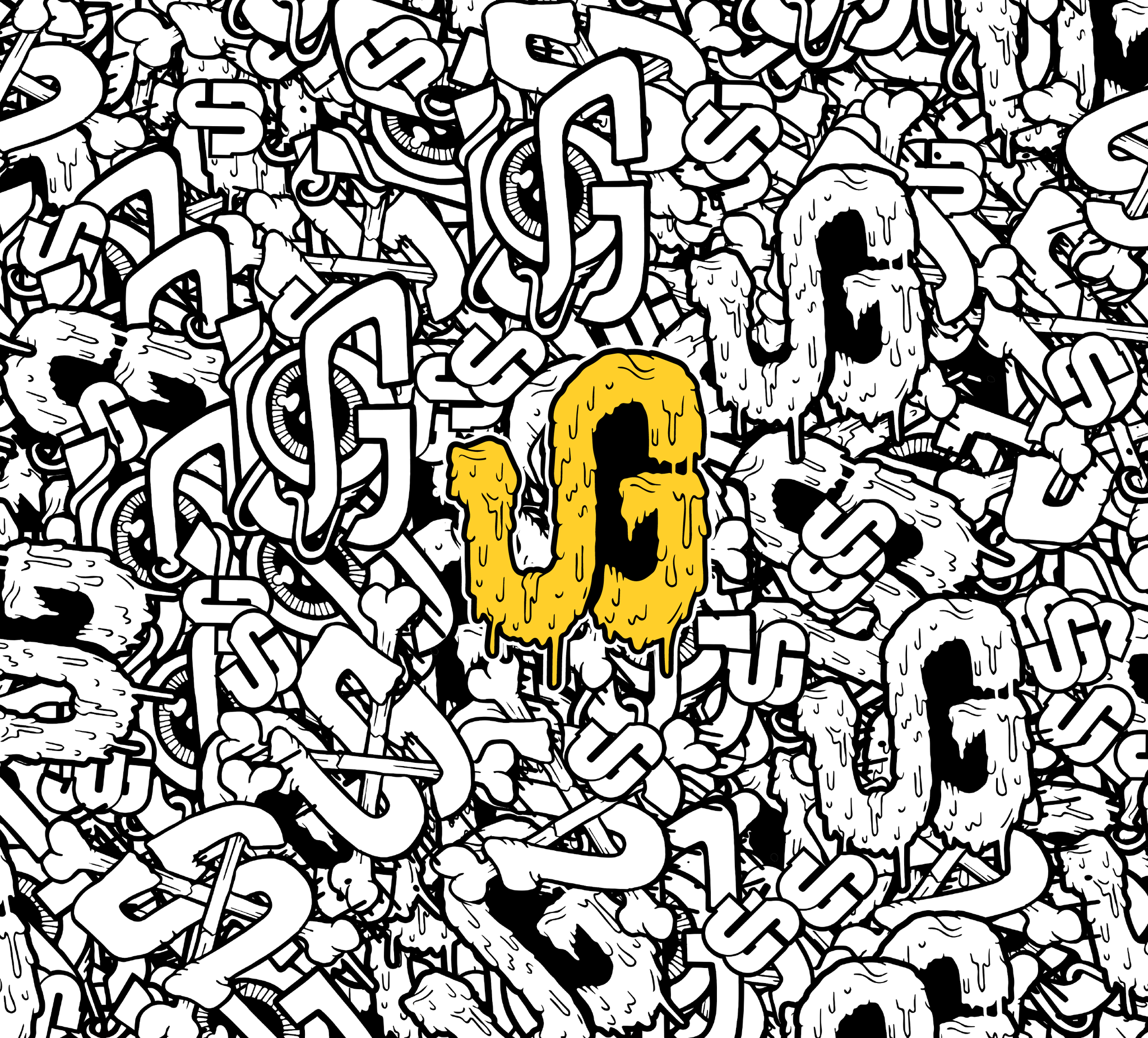
A logo on a white background is one thing. Seeing it repeated across a tote, tumbler, or notebook is when the idea starts to feel real. That’s what the URGrafix sticker mockup maker is for: trying the look before choosing what to print.
Start with your clearest logo
Upload your original PNG or JPG. A transparent PNG makes it easier to keep the outline close to your design. If all you have is a screenshot, you can still explore the idea, but keep looking for the original file before placing a print order.
Build your sticker shape
Add a backing behind your artwork, choose a border color, and adjust its thickness. Give small lettering a little breathing room. If background removal takes away part of your design, switch it off and use the original artwork.
Try a sticker bomb
Upload several designs to mix them into a pattern. Change the size and rotation, then compare a busy layout with a quieter one. One strong logo and a couple of supporting graphics can make a more readable pattern than a dozen competing designs.
Check the product, too
Apply your chosen pattern inside the product customizer and check the rendered preview. Seams, folds, handles, and printable areas can change where artwork appears. Adjust the placement before adding the item to your cart.
Make something worth showing off
Try the tool with your own logo, then explore a few products. If you get stuck, choose design assistance in the customizer and tell Jess what you’re imagining.