
Packaging & printing guides
How to Choose a Mylar Bag Size for Your Product
Choose a printed Mylar bag size by testing your actual product, allowing sealing space and checking the final bag template.
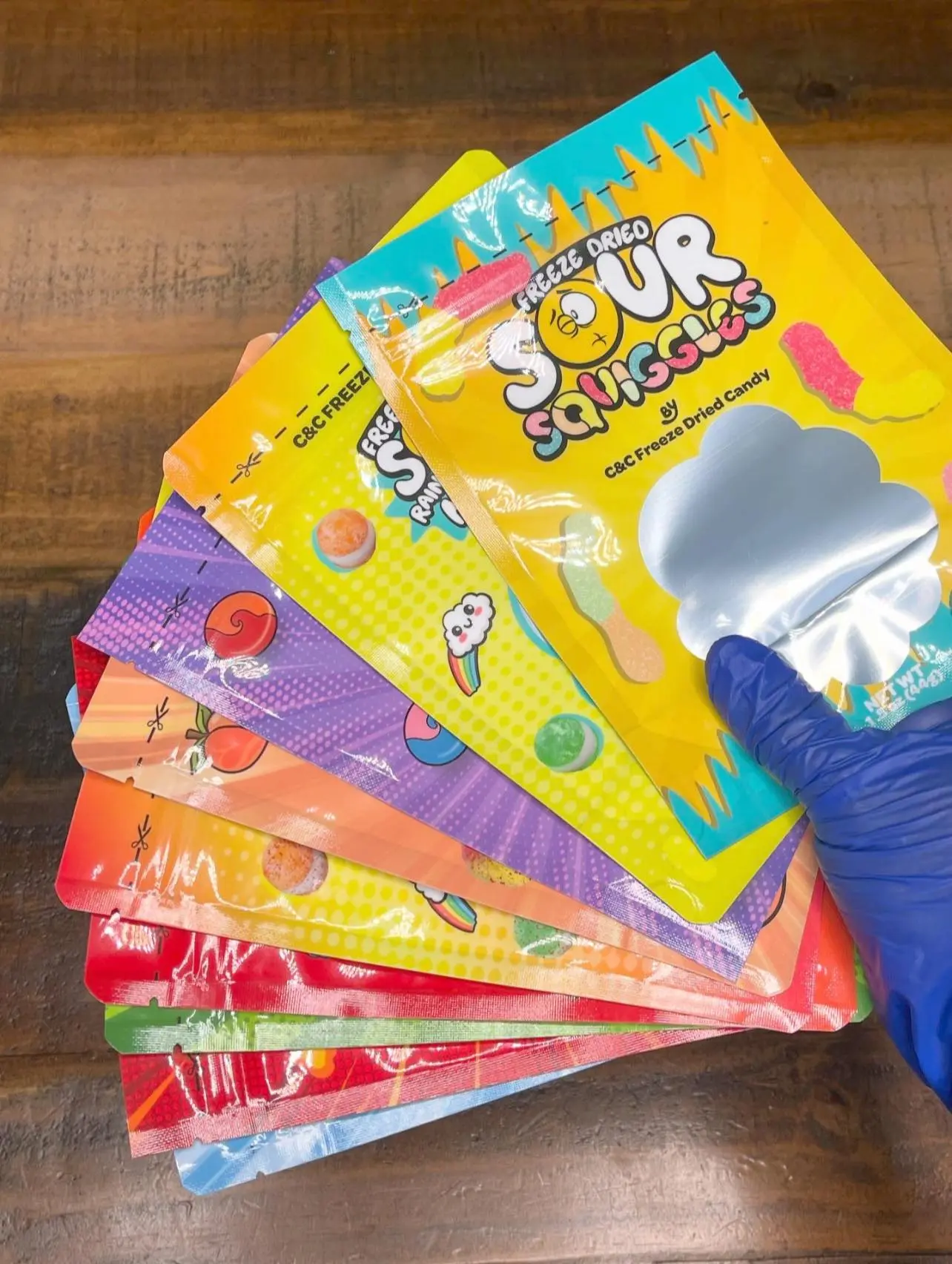
Outside dimensions do not equal usable capacity.
A bag’s listed width and height are a starting point. Seams, the zipper, the bottom gusset and the sealing area affect how much product it can comfortably hold. Product shape matters too: a light, bulky candy needs different space from the same weight of a dense ingredient.
Measure a real serving
- Weigh the quantity you intend to sell.
- Try it in a physical sample of the bag you are considering.
- Check that the contents sit below the zipper and required heat-seal area.
- Close the bag and check its standing shape, thickness and shelf presentation.
- Repeat with your largest or most irregular pieces, not just the easiest batch.
Leave room for the seal
Use the supplier’s required sealing clearance. A bag that fits only when packed to the top can create closing and handling problems. Test the filled package with the sealing equipment you actually plan to use.
Confirm the artwork template
Use the template for the exact size and bag construction. Keep important text out of seams, folds and zipper areas. A transparent window also changes where artwork can go. Check product names, net contents and required information at their actual printed size.
Send Jess the details
Share the product, fill weight, a photo of a test fill, intended bag dimensions, quantity and number of designs. Confirm the material is suitable for your product and intended storage; appearance alone does not establish barrier performance or shelf life.
Explore printed Mylar bags, then get an instant Mylar bag quote at The Label Lady.